19
Free Online Image Compressor For Fast, High Quality Results
The reasons why an image compressor and size reducer can be a game changer for your website and business. It is useful for SEO and user exprience. See how Tooolify Pro's free image processor can help you achieve that goal without losing the quality of the iamge.
Why Image Compression Matters More Than Ever
In the digital world, the speed of the website is very important. Images used on the website by the owner can make or break the experience of the end user, as large images can slow down the website's speed and response time. This can also impact their website's ranking in search engines.
An online image compressor helps reduce the size of the image while keeping its quality and pixels intact. Small sized pictures and images help reduce the response time of the website and hence improve the overall SEO score. This might seem like a small thing at first glance, but it has its importance and value.
How an Online Image Compressor Works Behind The Scenes
An online image compressor uses advanced techniques to reduce the size of the image by removing unusable or unnecessary data while keeping the quality intact. There are two types of compression:
- Loss Compression: The quality of the image is compromised in this method. The upside is that the size of the image is reduced massively.
- Lossless Compression: The quality of the image is kept close to the original, while the reduction in size is not massive.
With Tooolify Pro's free image compressor, the user can compress the image without any cost. The size reduction is noticeable and, in some cases, can even reduce the image size from 100KB to 50KB or even lower. It's easy to use and free, which makes it an ideal choice for users.
Why Reducing Image Size Matters
1. Faster Loading Speed
The timely loading of the website matters a lot. It can cost you visitors who don't wait for the response time to load the website. This also increases the bounce rate, which is a very important metric for any website. An image compressor can help improve the website's response time by reducing the size, which translates to lower loading times. A JPG or JPEG image compressor can be used for this purpose.
2. Improved Search Rankings
Search engines consistently prefer websites that are fast and load within seconds. In order to rank higher in the search results, the response time has to be lowered by any means possible, and reducing image size is one of them.
3. Enhanced User Experience
Users prefer websites that load fast and are easy to interact with. This builds a loyal user base that constantly comes back to enjoy the user experience. Long term users can be beneficial for the website as well as the business.
4. Save Storage and Bandwidth
A website that is a blog or has a gallery can quickly consume the storage limit of the website. An image compressor can help solve that issue by reducing the overall size of the website. This can help the owners/authors add more images over time and not use up their storage space.
Tooolify Pro – The Best Free Image Compressor Online
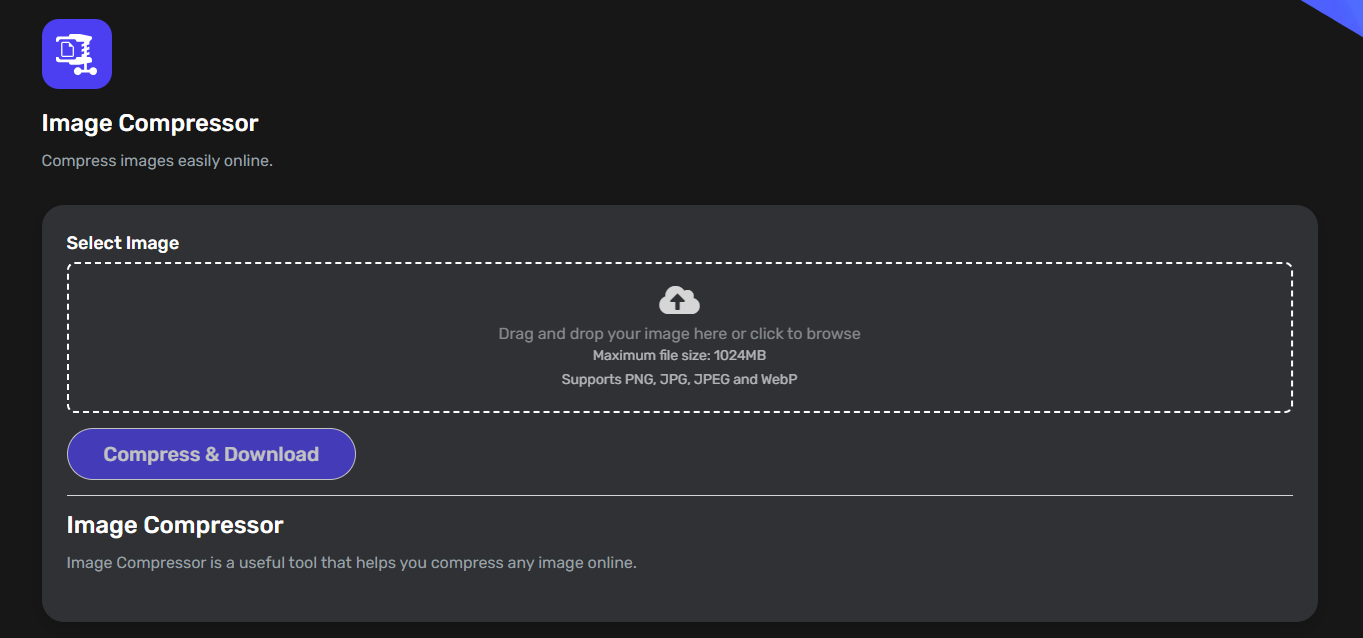
If you want an online image compressor that is fast, reliable, and free, then you must try out Tooolify Pro image compressor. Our tool is completely free, and no signup is required. You can compress your images for free forever.
We also have the functionality to convert JPG to JPEG, JPEG to JPG, JPG to PNG, and every format you can think of. Our tools are designed to provide you with the best solution available out there while keeping the quality and precision of the original image. These images can be used anywhere, like emails, social media platforms, and websites, without any worry.
Our tools are made to be user friendly, free, and available all the time, so you don't have to worry about using them. We have over 130+ tools on our website, which can help you with your creativity and productivity.
Pro Tips for Better Image Optimization
- Resize before compressing: Check if the image dimensions match the layout of your source before compressing.
- Use the right format: Use JPG for photos, PNG for graphics, and WEBP for the best combination of quality and compression.
- Stay below 80KB per image: That’s the recommended size for best web performance.
- Batch compress regularly: Keep your media library optimized by compressing old images as well.
Final Thoughts
A visually pretty website is good, but it's better to have it optimized as well by reducing the size of the graphics used on the website. Using a tool like Tooolify Pro image compressor can help you with that goal and leave a lasting impression on the visitors.
Reduce the size of your images today and try our Tooolify Pro Online Image Compressor to see the difference in performance.
Contact
Missing something?
Feel free to request missing tools or give some feedback using our contact form.
Contact Us